Create a new task
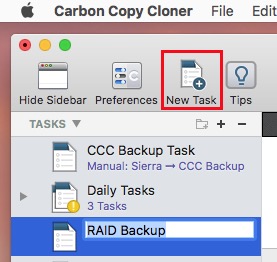
Click on the New Task button in the toolbar to create a new task, then type in a name for the new task.
Select a source volume
Click on the Source selector button, then choose the volume that you want to copy files from.

Select a destination volume
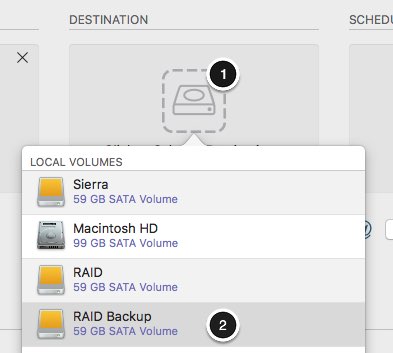
Click on the Destination selector button, then choose the volume that you want to copy files to.
Click the Clone button
Click the Clone button to copy files right away, or click the Scheduler selector to configure the task to run on a regular basis.